Why is your plugin (selector) not working?
The Geolocation-GLC language and currency selector is essential for delivering a localized shopping experience to your international customers. If the selector is not appearing or isn't working as expected, follow the steps below to resolve the issue.
1. Verify App Embeds are Enabled
The most common reason for a non-functioning selector is that the necessary app embeds are disabled within your Shopify theme settings.
- Navigate to your Shopify admin panel.
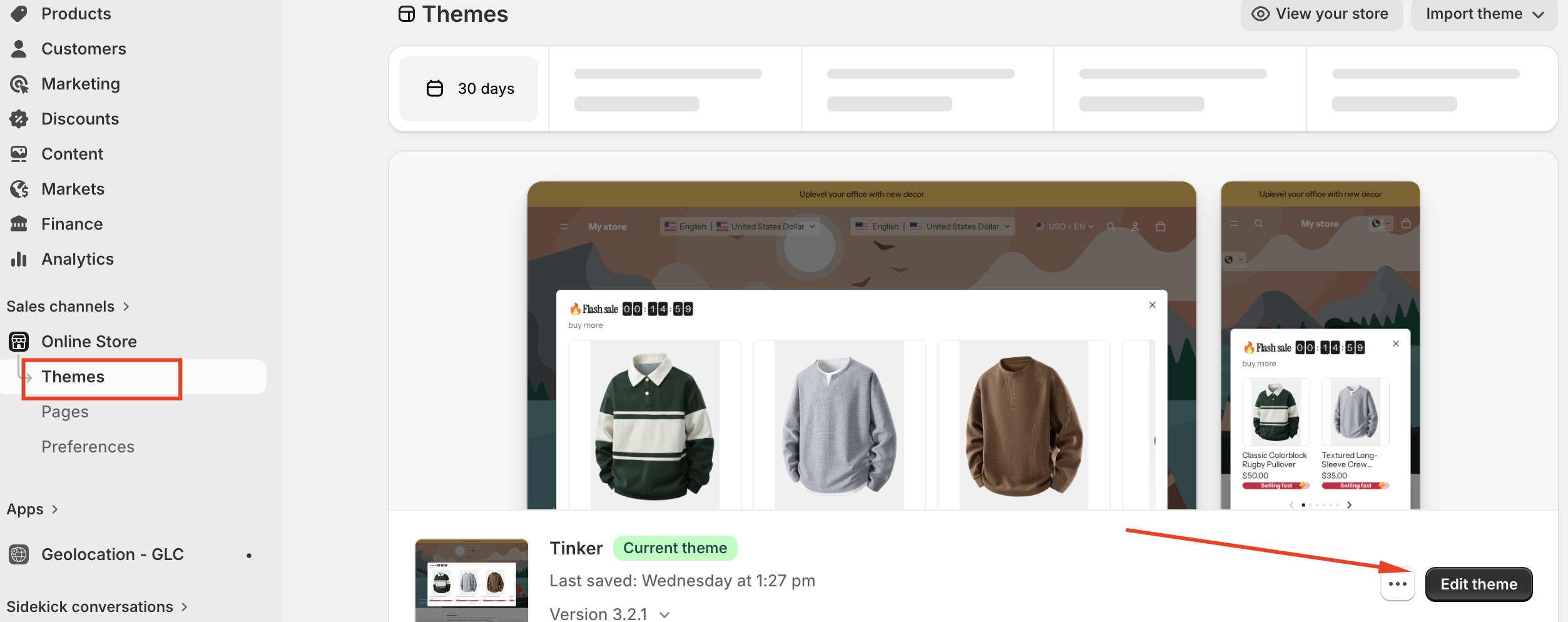
- Go to "Online Store" → "Themes".
- Click "Customize" on your active theme.
- In the theme editor, look for "App embeds" or a similar section (the exact name may vary depending on your theme).
- Ensure that the Gelacy embed is enabled (the toggle switch should be turned on).
- Save your changes.
2. Confirm Selector Display Mode is Set to "Active"
Geolocation-GLC offers different display modes for the selector. If it's not set to "active," it might not be visible to all visitors.
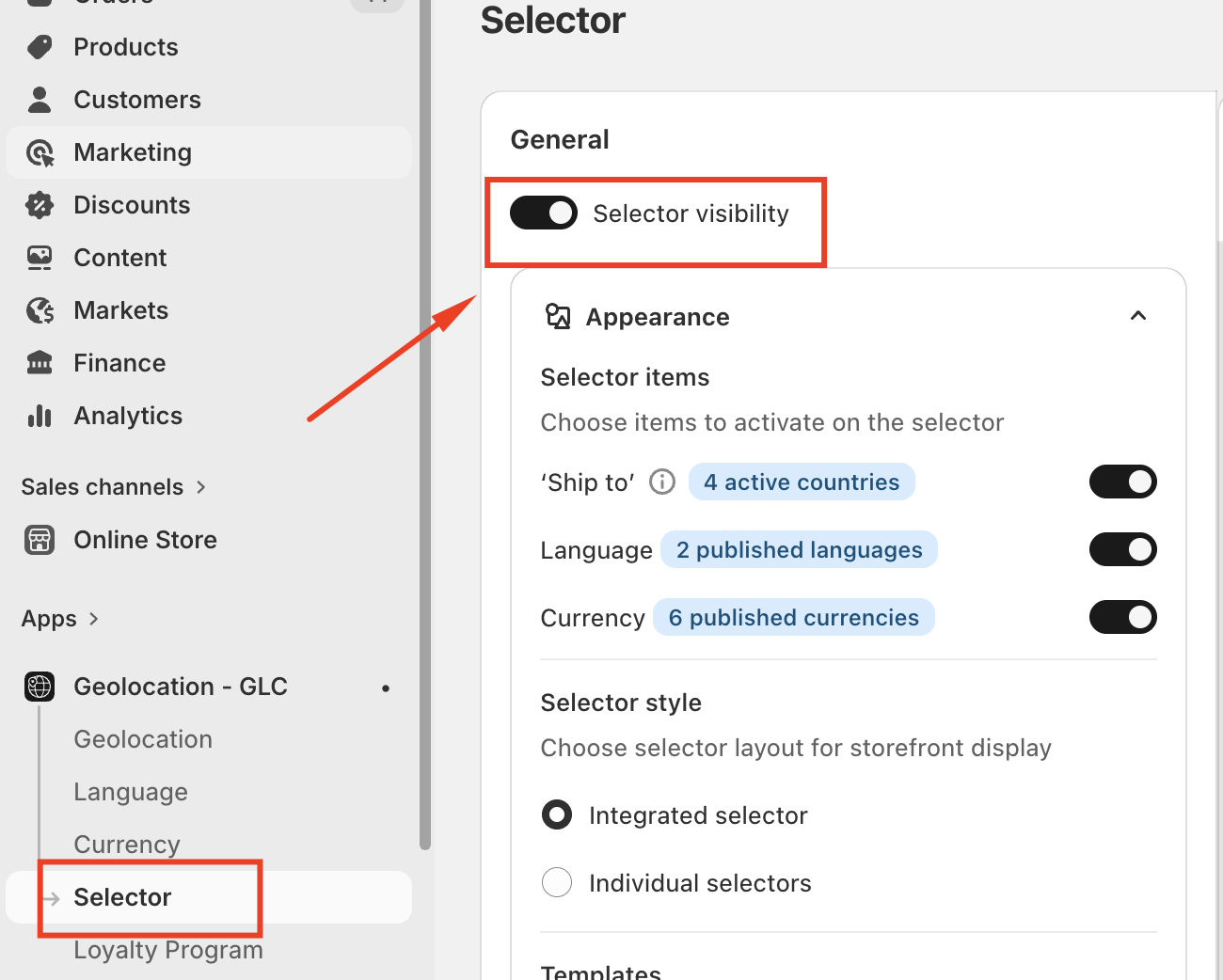
- Open your Geolocation-GLC app within your Shopify admin.
- Go to the "Selector" setting.
- Ensure it is set to "Active."
- Save your changes.
If you need some more helps, please feel free to contact us [email protected]